Vibe Coding Setup May 2026 - My Go-To Stack for AI Development
Not long ago, my coding journey felt like a manual labor project. I was deep in JavaScript and Python courses, painstakingly typing out every single line of code just to build and launch my own apps. There were frustrating nights and dead ends, there were times where I was considering giving up the journey, thinking to myself;
“Man, building a full stack application from start to finish by hand is insane. No wonder teams and developers specialize so intensely. But this is 2026, and I have used no-code automation tools to build/sell software before so there has to be a better way.”
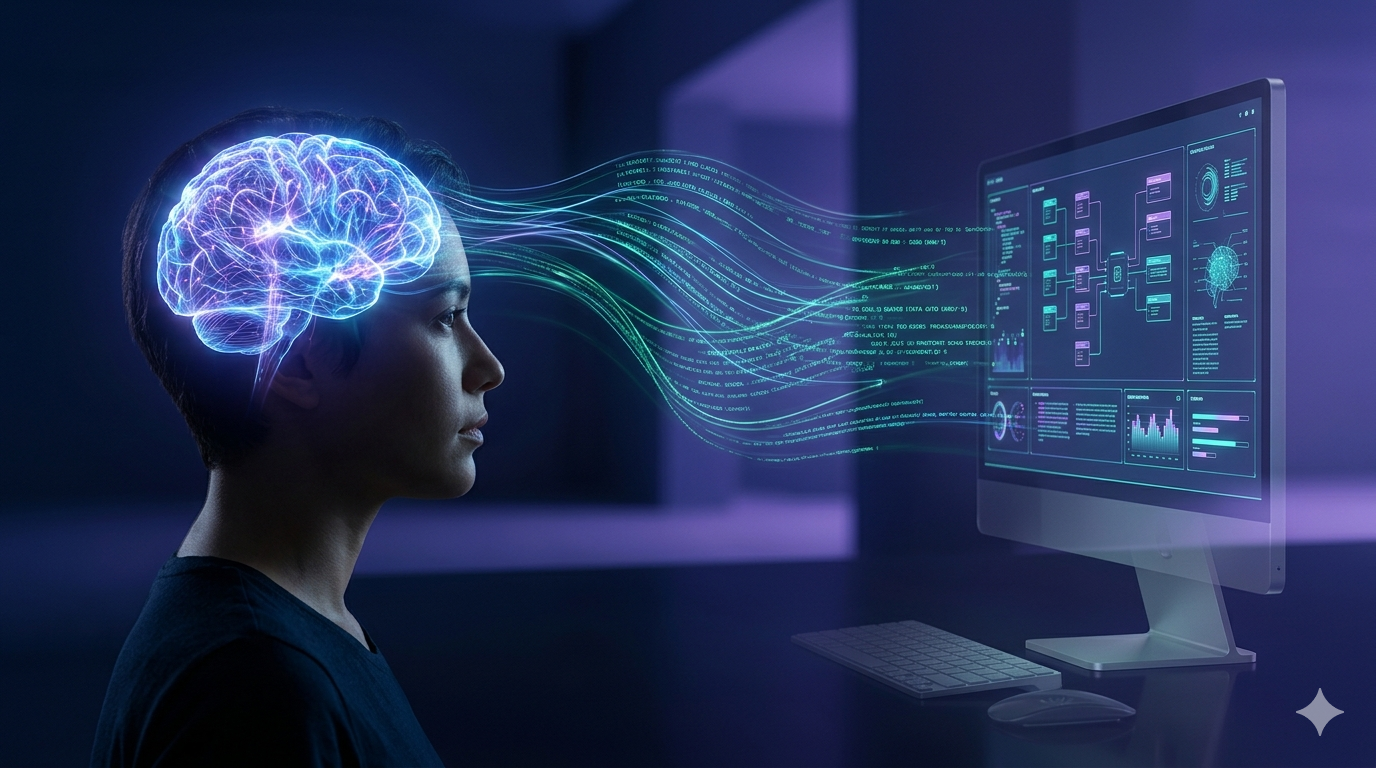
How the Tools Disappear while You Create the Solution
I’m sure you know the frustration. The endless loops, the debugging rabbit holes, the moments you feel like you’re drowning in code. It’s what I remember most about my early days. But that’s the old way. Painstakingly writing every single line of code by hand.
But the landscape has shifted.
What I’ve discovered is that modern development isn’t about being a expert coder that knows 15 different coding languages and frameworks; it’s about being an architect. It’s about becoming an orchestrator.
I’ve started to realize that the AI tools aren’t meant to replace us; they are meant to eliminate the friction humans experience. They are the invisible scaffolding that allows the idea to become the feature in minutes rather than weeks.
When I talk about “Vibe Coding”, I’m not talking about coding without thought. I’m talking about the process where the tools become so seamless, so deeply integrated into the creative workflow, that they essentially vanish. You aren’t thinking about the specific function call or class; you are thinking about the solution. You are thinking about the problem you want to solve, whether it’s building a private, local dashboard for your family like the Sunshine Family Dashboard or creating an Astro site from scratch.
The process looks something like this: I define the vision. I talk to an AI agent, whether it’s using Gemini to help refine the master prompt, or using my LLM to keep things private. I delegate the heavy lifting. The AI takes the wheel, generating code, suggesting optimizations, and handling the initial blueprint.
The over complexity fades away, and what was once overwhelming is now manageable. It’s not that I’m not coding; it’s that my job has transformed from being the manual laborer typing lines of code to being the strategic guide. The technology becomes the invisible force that accelerates the creation, allowing my brain to focus on the big picture: “Like what should the app look and feel like? or what features it should have? or even better, how am I going to make that?”
Diving into My Current Setup For Vibe Coding
The reason I titled this post “Vibe Coding Setup May 2026 - My Go-To Stack for AI Development” was because my Vibe Coding stack changes, as we are in a niche that is rapidly evolving. Just last month I was using Github Copilot in VS Code for all of my Vibe Coding, and just before they pulled the rug (for pricing changes) on their individual plans, so I canceled my plan.
I had a feeling the landscape was changing. And it was, major providers were switching the way their models were priced and people were scrambling to find a new home.
The Scramble for the Right Tools
For a little while, I started using RooCode with OpenRouter API using mainly DeepSeek V3.2 and it was amazing but not sustainable for me as I calculated costs over the month of continuous use and it would be too much for me personally to pursue my projects.
Then RooCode said they were stopping development on their VS Code extension and shifting their energy and focus on their new product RooMote.
Bahhhh! There i go again spinning around in circles again.
But not for long! Someone in the RooCode Discord mentioned they were using OpenCode and loving it.
After checking out their plans and seeing their OpenCode Go plan was $5 for the first month and $10 after, with up to $60 of usage allotted per month. I figured what could I lose, and jumped right in. The first few days I used models I was used to like Qwen 3.6 Plus and it performed great, however with the way I was running I was set to run our of my usage before the month was up.
There I was hesitant and unsure, should I keep going? Or swap to a different model and risk breaking code on the project I was working on. I decided, to back-up the project and test out the model you have been hearing about; Deepseek V4.
Since then, I have been using DeepSeek V4 Flash as my go to on OpenCode with it’s reasoning set on high it’s been amazing. Often times it one-shots features for me and saves me a ton of time and money.
My usual full Vibe Coding days I am doing like 6-10 hours and only use around a low rate of $0.30 to $1.00 per day which keeps me under the monthly total cap, no problem. Simply, amazing & cheap.
My core setup for Vibe Coding as of May 2026 includes:
- Gemini: The idea refiner, the strategist, the chief visionary.
- OpenCode Go Plan (I use the Desktop version): The engine. This is where the code actually gets written and executed by the AI agents.
- VS Code: The workbench. The IDE where I monitor, tweak, and push the final product live.
But it’s not just about having these tools; it’s about the flow, how I weave them together to move from an idea to a working feature in what feels like minutes. This workflow is essentially a layered delegation system. And it works:
1. Idea Refinement (The Vision):
It always starts with an idea. I take a raw concept or half baked though and just throw it into Gemini. I use it as a sounding board. My first job is to refine the concept, asking questions like, “What should this look like? What features does it need?”. This dialogue helps turn a my rough idea into a clearer overview.
2. Planning and Blueprinting (The Strategy):
Once the vision is solid and I feel I got the general ideas across I go to Gemini again. Here, I ask the AI to do the heavy lifting. I prompt it to generate a detailed plan by asking “what is the best tech stack for this, what modules do we need, and how do we build it?” Just put your thoughts out there and genuine so you can have your idea scoped in well. This step transforms the idea into a blueprint, smoothing out the chaotic initial steps into a more organized project.
3. Prompt Engineering (The Delegation):
With the plan in hand, the next crucial step is creating the perfect message to send to OpenCode. I use Gemini one last time to construct the Master Prompt. For example, I will say “I want you to build a the Master Prompt that I can give my AI agent in OpenCode to develop this for me.”. This is the moment I transition into the role of the orchestrator.
4. Execution (The Build):
I paste that refined, agent-ready prompt into OpenCode’s plan mode using DeepSeek V4 Flash on High reasoning. Once the AI agent has looked over the prompt and understood the task at hand it generates its initial plan. Then I switch the mode to build mode. At this point, the code is flowing, the AI is taking the wheel, and I am standing behind the scenes, watching the system execute the plan.
This entire flow from thought to code, is the future. And the future is now.
With this cycle of development, I can stay focused on the creative aspects, features, and vibe of my projects. Pushing out features and apps in much less than time and developing ideas I only every dreamed of.
What are you dreaming of building next?
Don’t wait to start building it.
Today, any idea can be created with you as the orchestrator.
~ Tarlow
Related Posts
Project Talk - Blog Wiz MD - Creating Useful Tools to Help My Flow Removing Barriers & Staying in The Flow While making my Astro blog I thought to myself; > "I will have fun writing my blog posts in VS Code, learning markdown along the way. It will be different but…